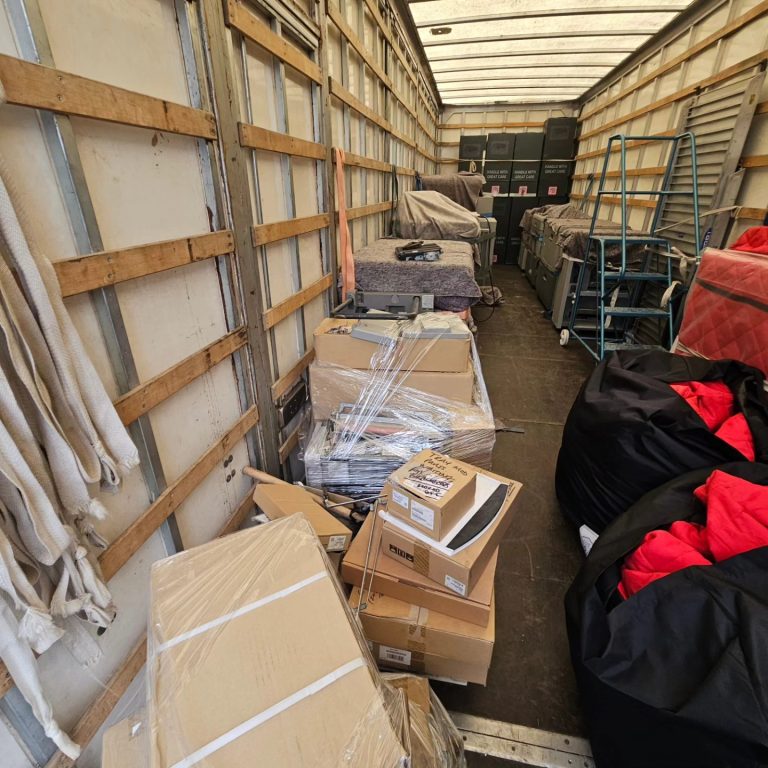
Moving office IT equipment is one of the most delicate parts of any office IT relocation. Whether you’re planning a full commercial move or just shifting departments, careful planning, alongside choosing the right IT equipment removals team is essential for protecting your tech and keeping your business running.
Whether you’re an office manager, business owner or part of an IT team planning a relocation, you need to know exactly which items require extra care and how to prepare them properly. Our commercial moving experts run through the IT equipment that needs specialist handling and how a professional commercial removals team like Moved Removals can take care of things from start to finish, without any hiccups to your business.
Why Office IT Equipment Needs Specialist Handling
IT equipment is fragile, high-value and essential to your business, which is why most companies use a commercial IT moving company for anything involving servers, desktops or specialist hardware.
A single knock, drop or loose cable can lead to cracked screens, damaged components or even data loss, and that means time lost that your team simply can’t afford. Monitors, desktops and laptops all contain delicate parts that don’t cope well with vibration or impact, which is why DIY moves can often result in unexpected breakages.
Servers and networking hardware are even more sensitive. Static electricity, incorrect shutdowns or mixing up cables can cause major problems when you arrive at your new premises.
Which IT Equipment Needs Special Handling?
If you want the fast answer: almost all office tech needs careful handling, especially during a business relocation where downtime needs to be kept to an absolute minimum.
- Desktop computers & laptops: internal components can loosen or break if moved incorrectly.
- Monitors & screens: extremely fragile, easy to crack and awkward to carry.
- Servers & server racks: the most sensitive and business-critical equipment you own.
- Routers, switches & network hardware: essential for getting your team online quickly at the new site.
- Printers, scanners & photocopiers: heavy, awkward and full of moving parts that break easily.
- Cables, docks & accessories: small, vital and very easy to lose without proper organisation.
- POS systems & card machines: especially important for retail, hospitality and front-of-house setups.
- Specialist devices: tablets, VoIP phones, CCTV units, projectors, smart devices, etc.
How to Keep Your Team Working With Minimal Disruption
One of the biggest concerns during an IT move is the impact on staff. If computers, phones or servers go offline, work stops — so smart planning makes all the difference.
- Move non-essential departments first
- Prioritise teams that need to be live immediately
- Document and photograph setups
- If possible, move outside working hours
- Test equipment as soon as it’s reconnected
A well-organised IT move means your team can arrive, log in and get straight back to work without waiting for systems to come online.
How to Prepare Your IT Equipment Before the Move
Computers, Laptops & Monitors
Most damage happens when people don’t know how to move office computers safely, but a little prep goes a long way. Make sure all important data is backed up, then shut devices down properly, never move computers or laptops in sleep mode. Before unplugging anything, label every cable and bag them by workstation so your team can reconnect everything quickly and without confusion at the new office.
Monitors and screens need extra care: wrap each one individually and avoid stacking them together. Original boxes are ideal, but padded tech crates work just as well. Laptops, tablets and smaller devices should travel separately with management or your IT lead, not in general boxes, to keep them safe and secure.
Servers, Racks & Networking Hardware
Servers and networking kit are the most sensitive, business-critical items in any office move. They hold your data, run your systems and keep your team online, so they need to be handled carefully and correctly.
Servers are the most sensitive part of any server relocation. Professional server relocation services ensure equipment stays upright, protected from static, and fully documented during the move.
Before moving, servers should always be shut down properly and disconnected by someone who understands the setup. Every cable should be labelled at both ends, ports photographed if necessary, and all components packed using anti-static protection. Racks, switches and routers must be moved upright and securely to prevent damage to internal parts.
Printers, Photocopiers & Office Machines
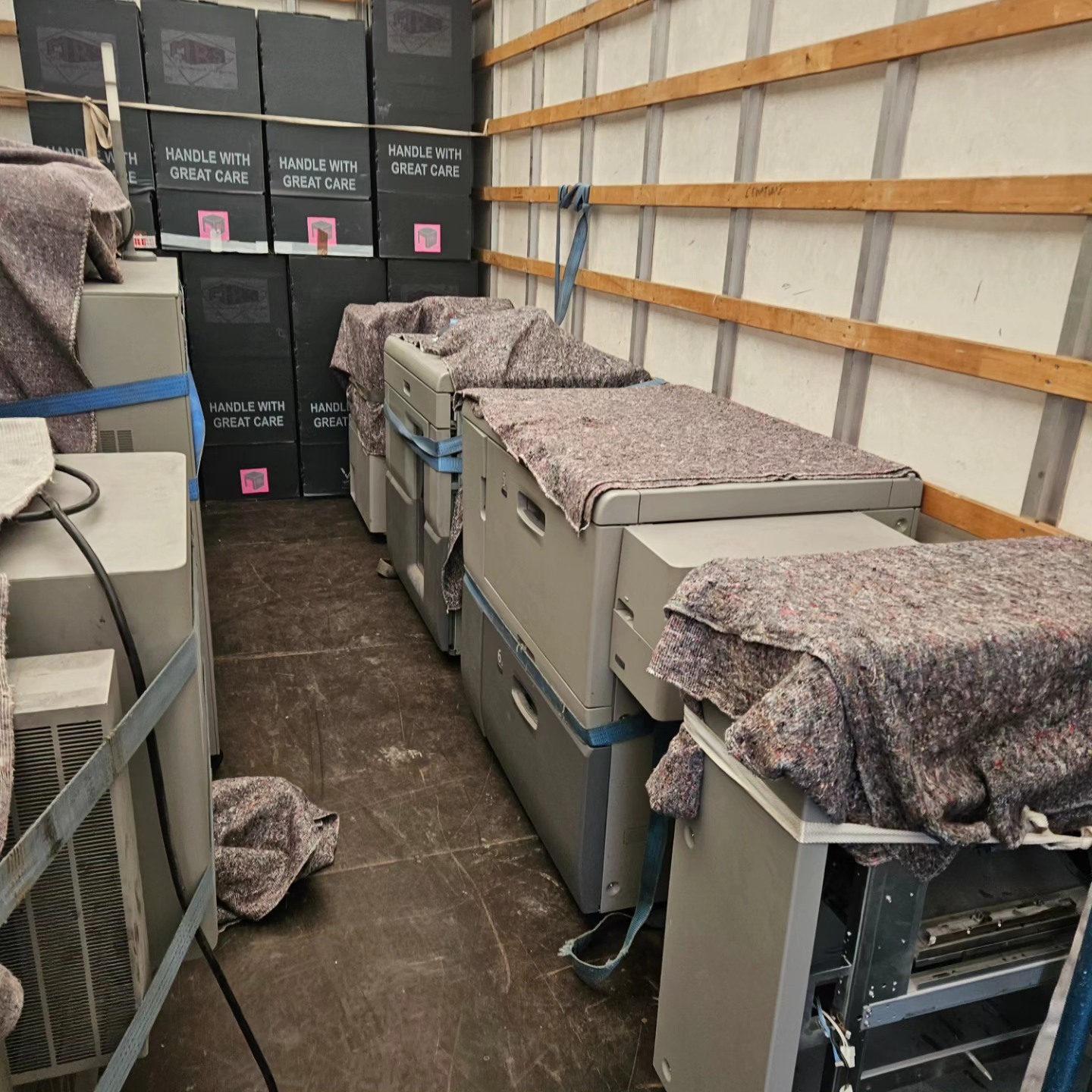
Printers and photocopiers might not look fragile, but they’re some of the trickiest items to move in any office relocation. They’re heavy, awkwardly shaped and full of delicate internal parts that can break if they’re tilted or lifted incorrectly.
Before moving day, toner and paper should be removed, and any loose trays or attachments secured. Larger multifunction machines often need specialist lifting equipment. Trying to shift them without the right tools is a fast way to cause damage or injury. Professional movers know how to handle these machines safely, protect their internal mechanisms and keep them working properly at the new office.
Cables, Accessories & “Small but Critical” Tech
Cables and accessories might be small, but they’re the number one cause of delays and frustration during an office move. When they’re not organised properly, you end up with tangled wires, missing adapters and desks that can’t be reconnected.
The simplest fix? Label everything before unplugging it. Bag cables by workstation, keep adapters and docks together, and store any specialist accessories (like VoIP handsets, memory cards or webcams) in clearly marked containers.
For the most important items, create a “critical tech box” that travels separately. It makes setup at the new premises much quicker.
Ready for a Smooth IT System Move?
Moving IT equipment isn’t like moving furniture. It takes planning, precision and the right expertise to avoid downtime, data loss or damaged hardware. With the right preparation and a specialist removals team, your business can transition to its new premises with minimal disruption.
At Moved Removals, we support companies across the Wirral, Liverpool, Chester, Cheshire and the wider North West with professional IT equipment moving services and full business relocation support.
Get a fast, no-obligation quote today and keep your business moving without the stress.